Excellent
328 reviews on
Sell Dota 2 Items for Real Money
Pick the items you want to sell from your Steam inventory, lock in the offer and choose Visa/Mastercard, PayPal, bank transfer, Revolut or Skrill and get paid once Steam's 7-day Trade Protection ends. No listings, no waiting for buyers.



How to sell Dota 2 items
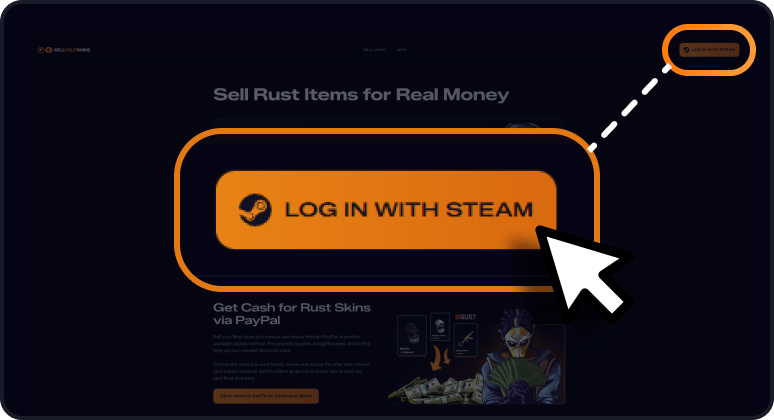
1. Log in with Steam
Sign in securely through Steam. No passwords are shared and your account stays protected.
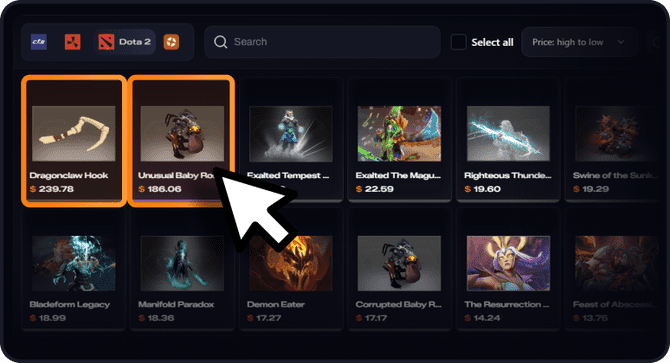
2. Choose your items
Select the items you want to sell and get an instant offer for the whole batch.
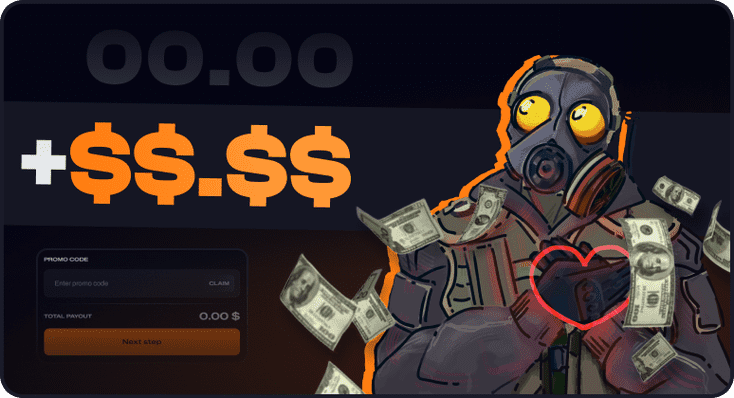
3. Get your money
Accept the trade and choose Visa/Mastercard, PayPal, bank transfer, Revolut or Skrill for the payout.
Why players cash out with SellYourSkins
The price you see is the price you get: a fair, instant offer for your Dota 2 skins and items based on live market prices, with no hidden fees and no fine print.
You sell directly to us, so there is no listing and no waiting for a buyer. Accept the trade and the payout is on its way.
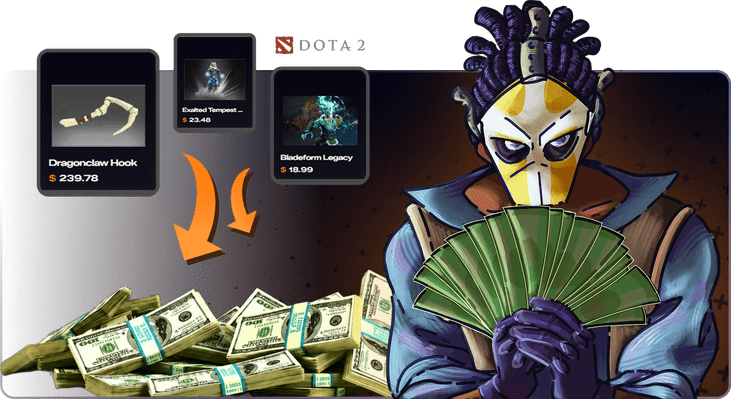
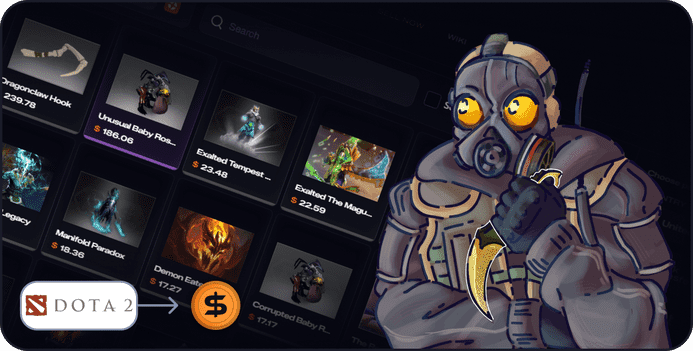
From Steam inventory to real money
Steam does not let you withdraw wallet funds. SellYourSkins does: sell Dota 2 skins and items from your Steam inventory and move their value out of Steam, to Visa/Mastercard, PayPal, bank transfer, Revolut or Skrill, whichever payout method suits you best.
Can I sell Dota 2 skins and items for real money?
Yes. SellYourSkins lets you sell Dota 2 skins and items for real money. You pick the items from your Steam inventory, check the instant offer, complete the trade and get paid outside Steam through the payout method you choose.
What payout methods are available?
You can get paid through Visa/Mastercard, PayPal, bank transfer, Revolut or Skrill. You simply pick the payout method that works best for you when you cash out.
How fast is the payout?
Payouts are sent right after Steam's trade protection clears. Once the trade is fully completed, your money is on its way, and most payout methods deliver it within minutes, so selling Dota 2 skins and items stays quick from start to finish.
Do I need to wait for a buyer to sell items?
No. You do not need to list your items and wait for another player. SellYourSkins gives you an automatic offer based on current market prices, so you can accept it and cash out your inventory directly.
Do I need a Steam Trade URL?
Yes, your Steam Trade URL is needed to receive and complete the trade offer. You can find it in your Steam inventory settings. Make sure your inventory is set to public, otherwise the platform may not be able to read your items.
Is it better than the Steam Market?
The Steam Market only gives you wallet funds locked inside Steam. SellYourSkins pays you outside Steam, in money you can actually withdraw and spend, which is the main reason players sell Dota 2 skins and items here instead.
Ready to sell your Dota 2 items for real money?
